Nezaradené
-
Workbook and worksheets in Excel
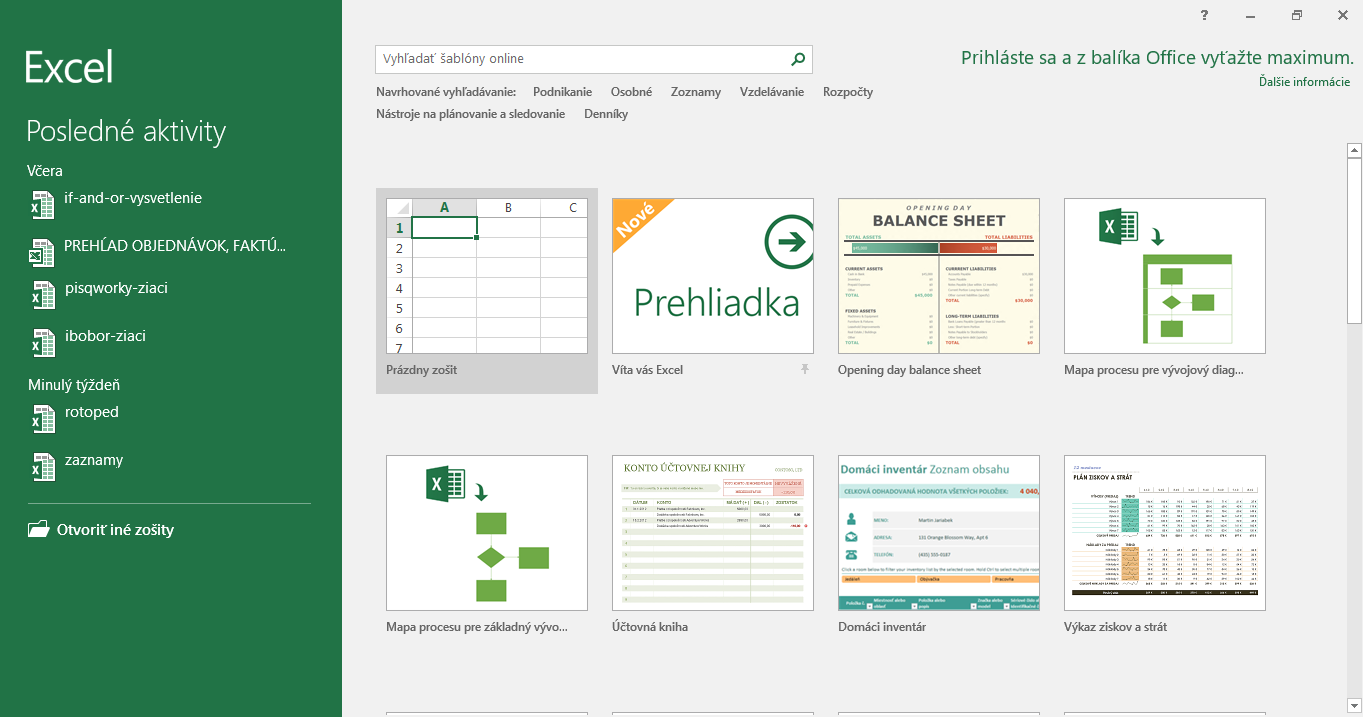
Workbook When you start Excel, usually Home Screen appears first divided into 2 parts: the last open files appear in the left Sidebar – advantageous, if you need to continue working or view the data in that file in the right main section is menu of prepared templates which will make it easier for us… Čítať viac…
Autor:
-
Ribbon
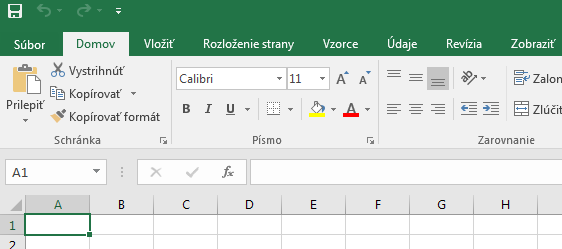
Ribbon can be found in top of the open sheet. It consists of: File, Home, Insert, Page Layout, Formulas, Data, Review, View. Among each cards, we move by clicking on particular one or using the keyboard shortcut ALT +appropriate letter. Individual shortcuts will be found by pressing ALT and each card will immediately show a… Čítať viac…
Autor: